
See the report we send each month, on a sample agency.
It shows which clients, projects and roles cost the agency margin, what each fix is worth a month and which role owns it. We built it with our AI, Profit Copilot, the same way we build yours, on a sample agency.
Opens on the Clients tab, in a new tab. Keep this page open to come back.
Built for a desktop screen. On a phone, tables scroll sideways.
To ask about your own agency.
- Mars Venus Agency is a sample agency. Its clients, people and figures are sample data, not a real client's.
- Each issue lists the questions a COO would ask next. Click one to see the answer from the Analyst, the chat inside every report.
- Want to ask about your own agency? That's what an intro call is for. Type your own question into the test drive's Analyst and you'll get a short reply with a link to book one.
- It works best on a desktop screen.
- It's free to look at. We don't ask for your details, and no data is needed.
Where you'll land
This is what your leadership would open each month, before we review it together. You start on the Action Plan's Clients tab: every client issue, biggest fixes first. The tabs beside it, from Agency to People, hold the rest. A tab that opens on a CHECK is the data check doing its job: a question only your team can answer.
The menu on the left has the Action Plan, the Analyst, Explore (Agency, Work and Team) and Report (the Briefing). Some pages are hidden in the test drive. Your own report has every page.
The test drive shows one monthly report: October 2026, covering May to September. It moves to newer reports over time, so the figures you see will change.
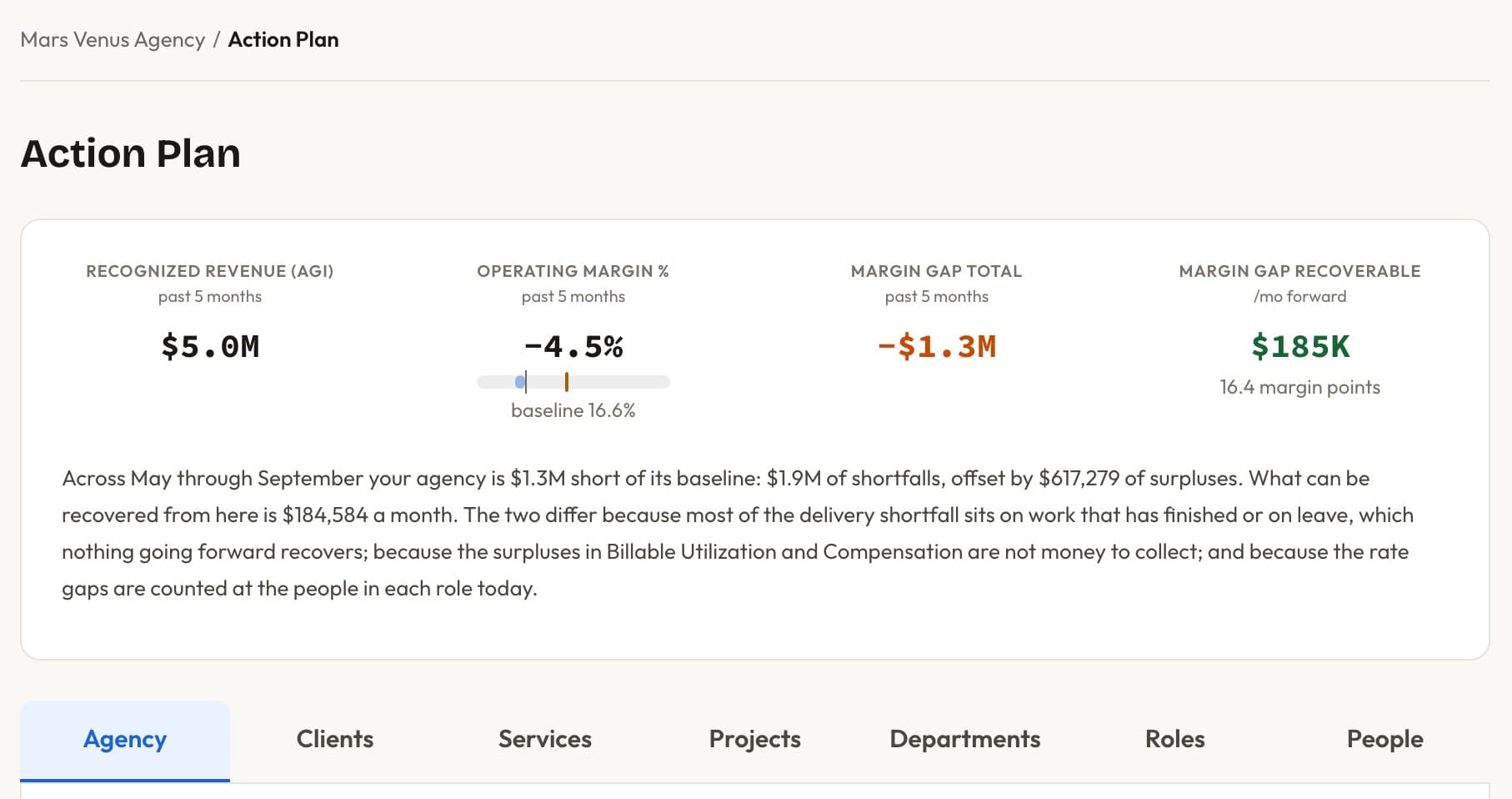
- Where you start: what to fix first.
- The month at a glance, against its baseline.
- Every issue, by client, project, role and more.
Three things to try
- Path 01
Find the biggest fixes
This opens the Action Plan's Roles tab, where Recover issues are ranked biggest first. Open the top one: what to do, what it's worth a month and which role owns it. Then try Clients for one project's fix.
Open the test drive (opens in a new tab)Opens on the Roles tab, in a new tab.
- Path 02
Read the Briefing's big picture
Choose Briefing in the left menu and read the big picture. The Briefing is the written summary, with top priorities, a watchlist and what's working.
Open the test drive (opens in a new tab)Opens on the Briefing, in a new tab.
- Path 03
Click a follow-up question
Open a Recover issue, like the one at the top of the Clients tab. Under its evidence, click a question under "I can dig into…". The Analyst's answer opens beside it.
Open the test drive (opens in a new tab)Opens on the Clients tab. Look for "I can dig into…" under an issue's evidence.
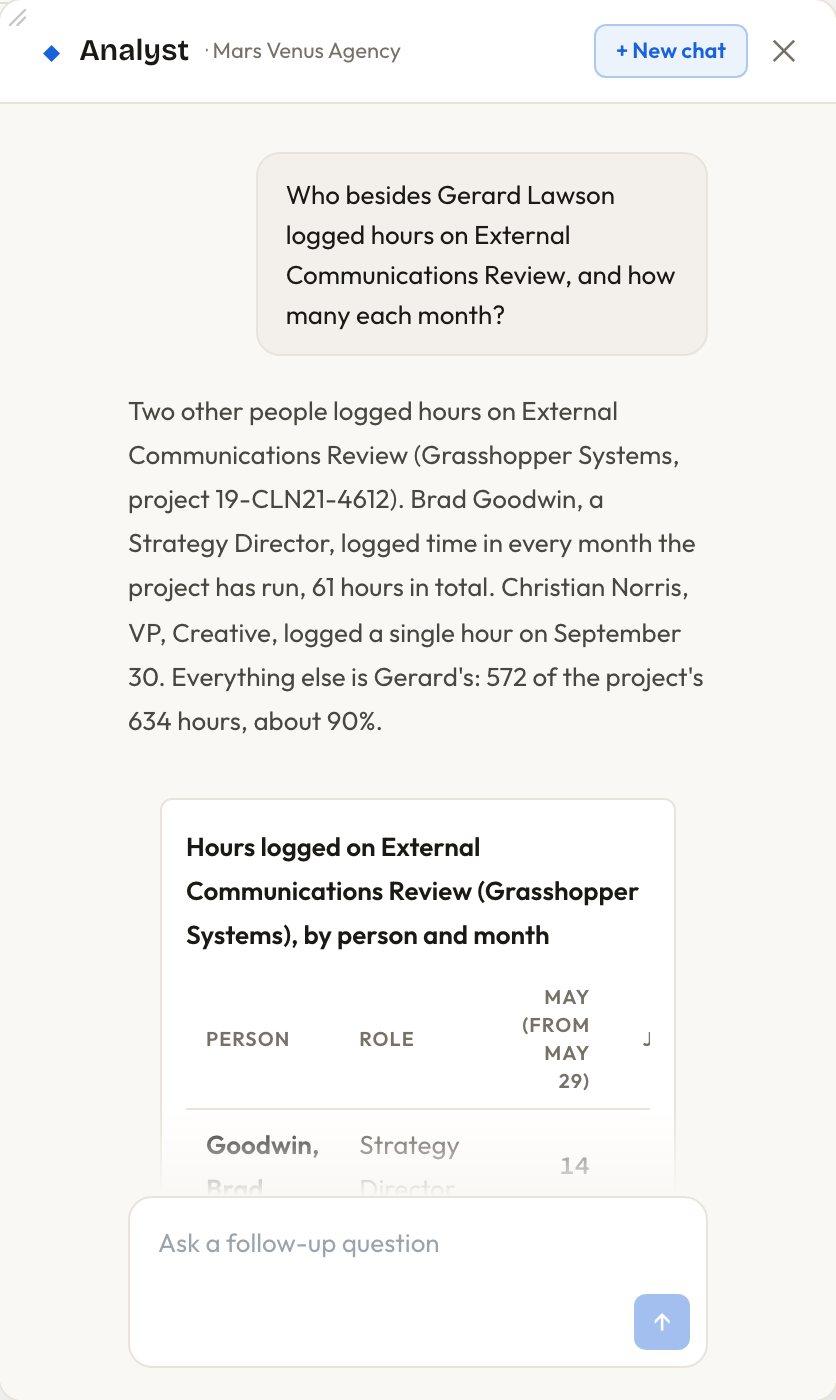
Mars Venus Agency · sample agency · October 2026
How to read what you see
Four states, plus Checked. Every open issue carries one of the first four:
- RECOVER
- Money that can be recovered, with a monthly figure.
- WATCH
- Something to keep an eye on that isn't a problem yet.
- PROTECT
- A strength to keep.
- CHECK
- A question the records can't fully answer.
- CHECKED
- Nothing left to recover or do.
The three figures.
- Margin Gap Total
- the whole shortfall against the baseline (what the agency's own people, rates and hours should earn), over the months the edition covers.
- Actionable
- the part of that gap you can act on.
- Recoverable
- what closing it is worth per month, going forward.
Why totals differ between pages. The Action Plan, Work and Team each slice the same gap a different way, so their totals aren't meant to match. On every page, the biggest fixes come first.
Owners and names. An issue's owners are listed under "Decisions for your team". Owners are departments or roles, never named people. The evidence may name people. Any names you see belong to the sample agency.
On a phone?
The test drive is built for a desktop screen. On a phone, tables scroll sideways. Your monthly report isn't built for phones yet either.
You can open it anyway, or save the link and come back on a computer.
Open it anyway, in a new tab.
Copies the link. No email needed.
Seen enough to wonder what yours says?
On an intro call, a founder takes you through a monthly report, the way we'd review yours. Then we talk about your agency, including where your time data lives today. 30 minutes.
Go through a report with a founder, then talk about your agency.